Using the CRM Software
Introductory
Your CRM is the backbone of your dealership’s lead management process. When used correctly, it helps your team respond faster, stay organized, and convert more Special Finance and Subprime leads into real appointments. This guide walks your dealership through the essential CRM functions and best practices to ensure every lead gets the attention it deserves.
1. Logging Into the CRM
Start by accessing your CRM dashboard using your dealership credentials. Once logged in, you’ll see your:
- New leads
- Tasks and reminders
- Recent activity
- Pipeline or sales stages
This is your command center — everything begins here.
2. Reviewing New Leads
Every new lead should be reviewed immediately. Inside the CRM, you’ll see:
- Lead name
- Contact information
- Source (website, form, campaign, lead provider)
- Credit situation (if provided)
- Notes or pre‑screening details
Speed matters. Special Finance leads respond best when contacted within the first 5 minutes.
3. Updating Lead Status
Accurate status updates keep your entire team aligned. Common statuses include:
- New
- Attempted Contact
- Contacted
- Appointment Set
- Showed
- Sold
- Not Interested
Updating statuses in real time ensures no lead slips through the cracks.
4. Adding Notes and Call Logs
Every interaction should be documented. Include:
- Date and time of the call
- What the customer said
- Objections or concerns
- Next steps
Good notes help the next salesperson or BDC agent pick up exactly where you left off.
5. Scheduling Follow‑Ups
Your CRM will allow you to set:
- Call reminders
- Email follow‑ups
- SMS follow‑ups
- Appointment confirmations
Special Finance buyers often need multiple touches. Consistent follow‑up dramatically increases conversion.
6. Using CRM Automation
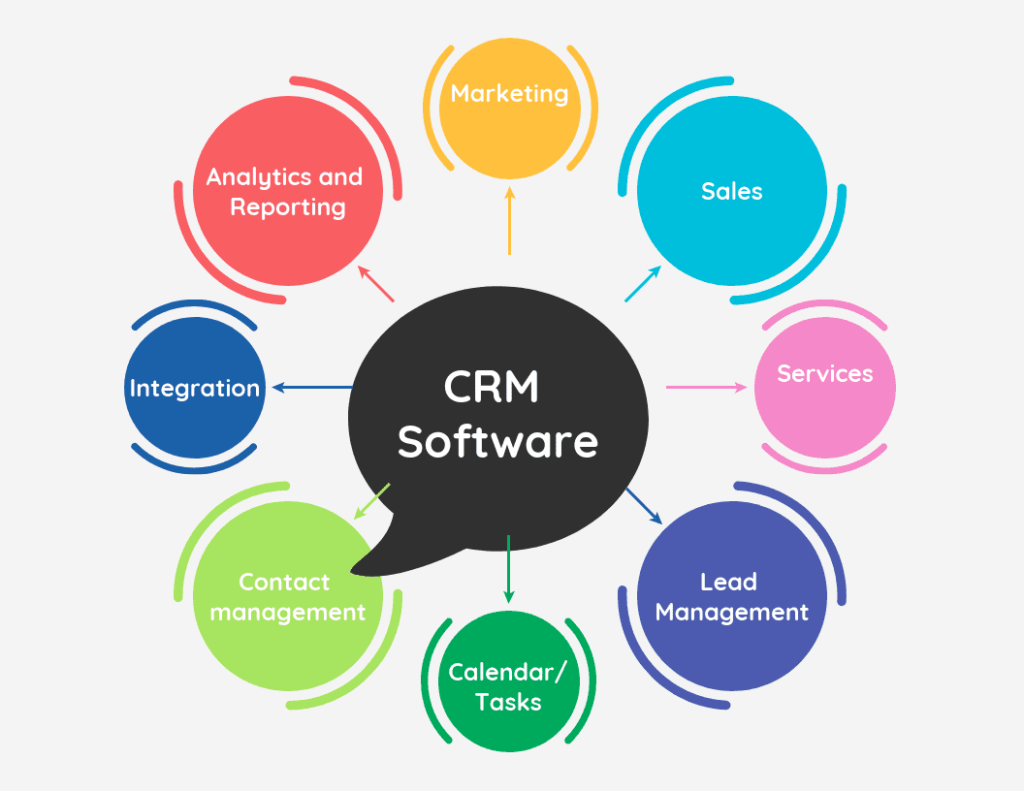
Automation helps your team stay consistent. Depending on your CRM, you can automate:
- Welcome emails
- Appointment reminders
- Missed‑call follow‑ups
- Long‑term nurturing sequences
Automation ensures every lead gets attention — even when your team is busy.
7. Tracking Appointments and Show Rates
Your CRM should track:
- Appointment set
- Appointment confirmed
- Appointment showed
- Appointment rescheduled
This data helps you identify where your process is strong and where it needs improvement.
8. Managing the Sales Pipeline
Your CRM pipeline shows where each customer is in the buying journey:
- Contacted
- Working
- Appointment
- In‑store
- Approved
- Delivered
Pipeline visibility helps managers coach the team and forecast sales.
9. Reporting and Performance Metrics
Your CRM provides valuable insights, including:
- Lead response times
- Contact rates
- Appointment set rates
- Show rates
- Sales conversion rates
Reviewing these metrics weekly helps your dealership improve performance and close more Special Finance deals.
Final Takeaway
Your CRM is more than a database — it’s a powerful tool that helps your dealership convert more leads, improve communication, and streamline the Special Finance sales process. When your team uses it consistently and correctly, your lead conversion increases dramatically.
🚀 Ready to Convert More Leads with a Stronger CRM Process?
Your CRM is only as powerful as the process behind it. If your dealership wants higher contact rates, more appointments, and better Special Finance conversions, we can help you optimize every step — from lead delivery to final approval.
Get a CRM strategy that actually works for Subprime buyers.